



Deutsche CS2 News
BIG holt prosus zurück
Nach einem holprigen Saisonstart greift die deutsche Organisation BIG erneut in die Teamstruktur ein. David „prosus“ Hesse kehrt ins Main-Roster...
Snogard Dragons lösen sich auf
Am 4. August veröffentlichte das ehemalige Team der Snogard Dragons eine schlichte, aber klare Nachricht: „Danke für alles.“ Die deutsche...
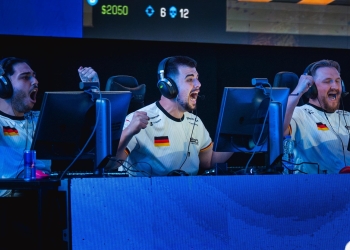
scrunk beendet aktive Karriere – wird Head Coach seines Teams
Ein bekanntes Gesicht der deutschen Counter-Strike-Szene zieht sich vom aktiven Spielbetrieb zurück: scrunk, langjähriger Ingame-Leader und erfahrener Profi, hat sein...
ESports Cologne verabschiedet CS-Team – Zukunft ungewiss
Das deutsche Esport-Projekt ESports Cologne trennt sich mit sofortiger Wirkung von seinem Counter-Strike-Team. In einem offiziellen Statement auf X (ehemals...
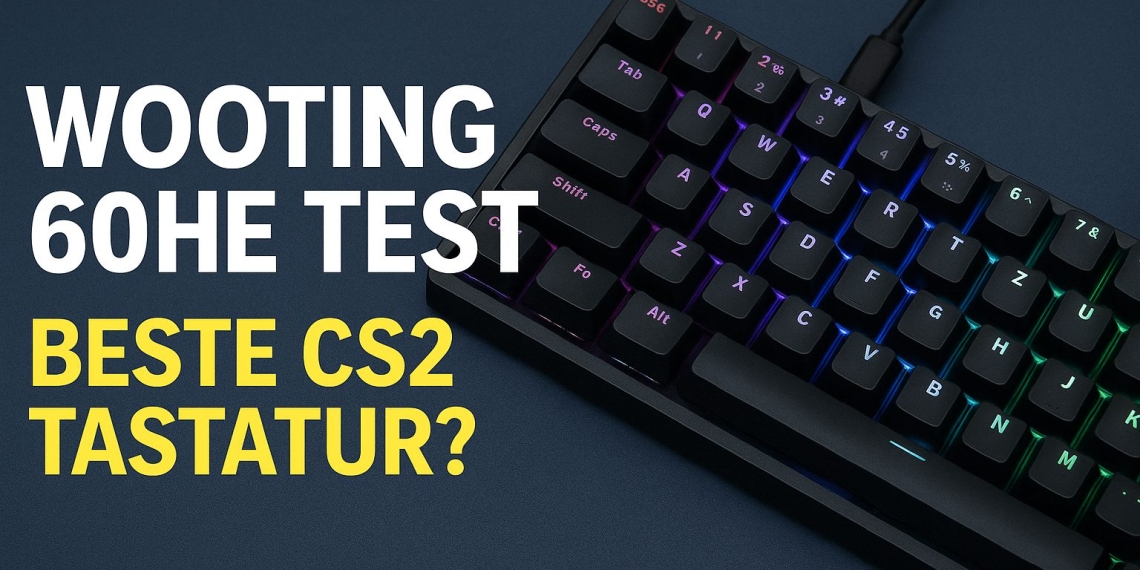
Wooting 60HE Test: Beste CS2 Tastatur?
Wooting 60HE Test: Beste CS2 Tastatur? Die Wooting 60HE gilt als das derzeit beste Werkzeug für ambitionierte Counter-Strike 2 Spieler. Dank Analog-Technologie, Rapid Trigger und extrem schneller Reaktionszeit ist sie die bevorzugte Wahl vieler Profis und High-Rank-Spieler weltweit. Wir haben die Wooting 60HE ausführlich getestet, um herauszufinden, ob sie den...
Read moreDetailsInsight: Trends, Gerüchte & mehr
Live VAC-Ban bei Streamer – Cheater-Debatte spitzt sich in CS2 zu
Die Counter-Strike-Community ist aktuell in heller Aufregung. Grund dafür: Der russische Streamer „dima_wallhacks“ wurde während eines Livestreams auf Twitch live...
Wer gewinnt die IEM Cologne 2025? Eine Einschätzung vor den Playoffs
Die IEM Cologne 2025 erreicht ihren entscheidenden Abschnitt – und wie jedes Jahr stellt sich die Frage: Wer holt den...
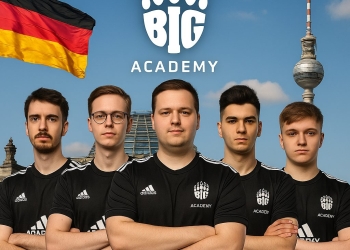
BIG Academy zurück: Deutschlands Nachwuchshoffnung im CS2
Die Rückkehr der BIG Academy markiert einen wichtigen Schritt für die deutsche CS2-Szene. Nach einer Pause seit Anfang 2024 wird...